Check Connectivity
The check connectivity function allows you to test your access to internet and LDAP.
To run the connectivity test, use the SOFiE menu "Processing->Check connectivity":
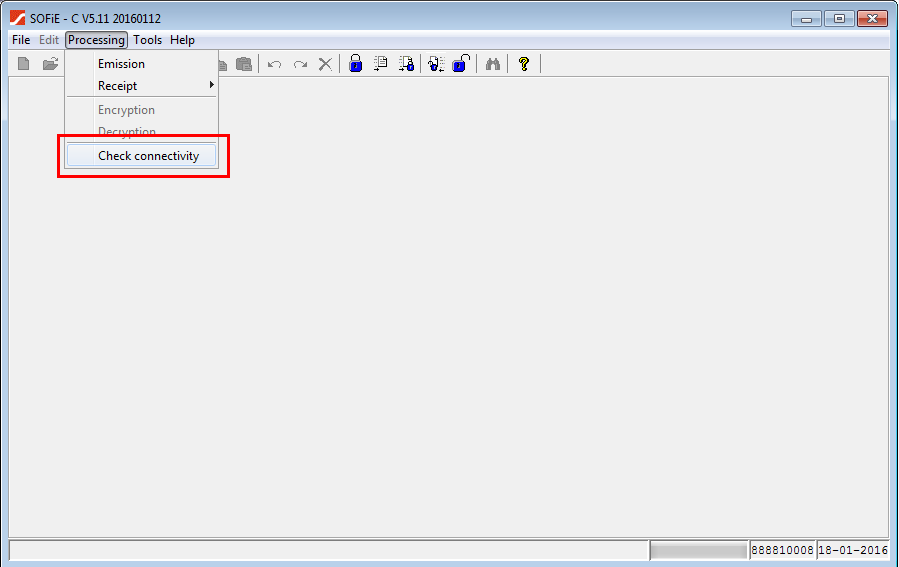
Depending on the test result, some entries in the menu "Processing" will be enabled or disabled.
For example:
-
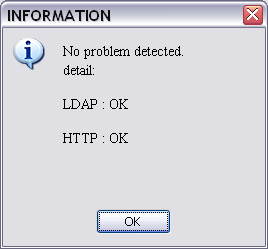
if the internet and LDAP tests succeed, the menu entries related to send/receipt and encryption/decryption will be disabled and you will see the message:
-
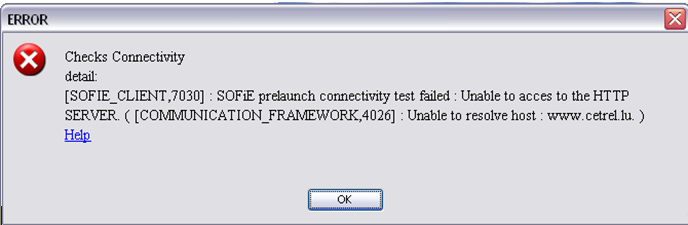
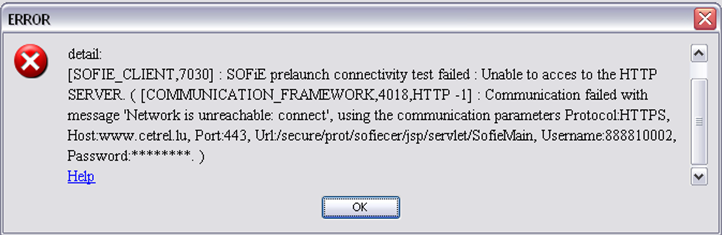
if the internet test fails, the menu entries related to send and receipt will be disabled and you will see the message:
-
http error:
-
https error:
-
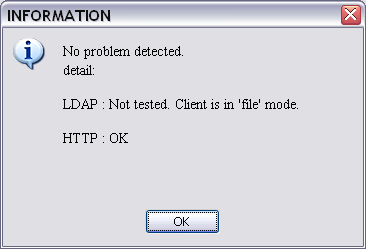
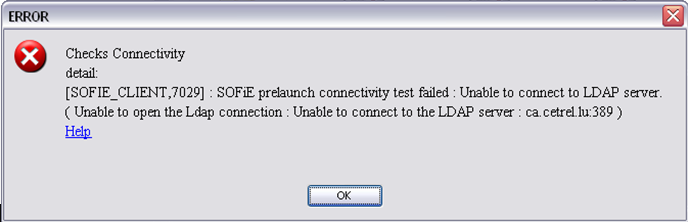
if the LDAP test fails or if the account doesn't use the LDAP (file mode), the menu entries related to encryption and decryption will be disabled:
-
ldap not tested:
-
ldap error:
Notice:
The test can be run as many times as needed.
In standalone mode, the connectivity menu is disabled.