SOFiE Subscription
To subscribe to SOFiE, visit www.sofie.lu.
-
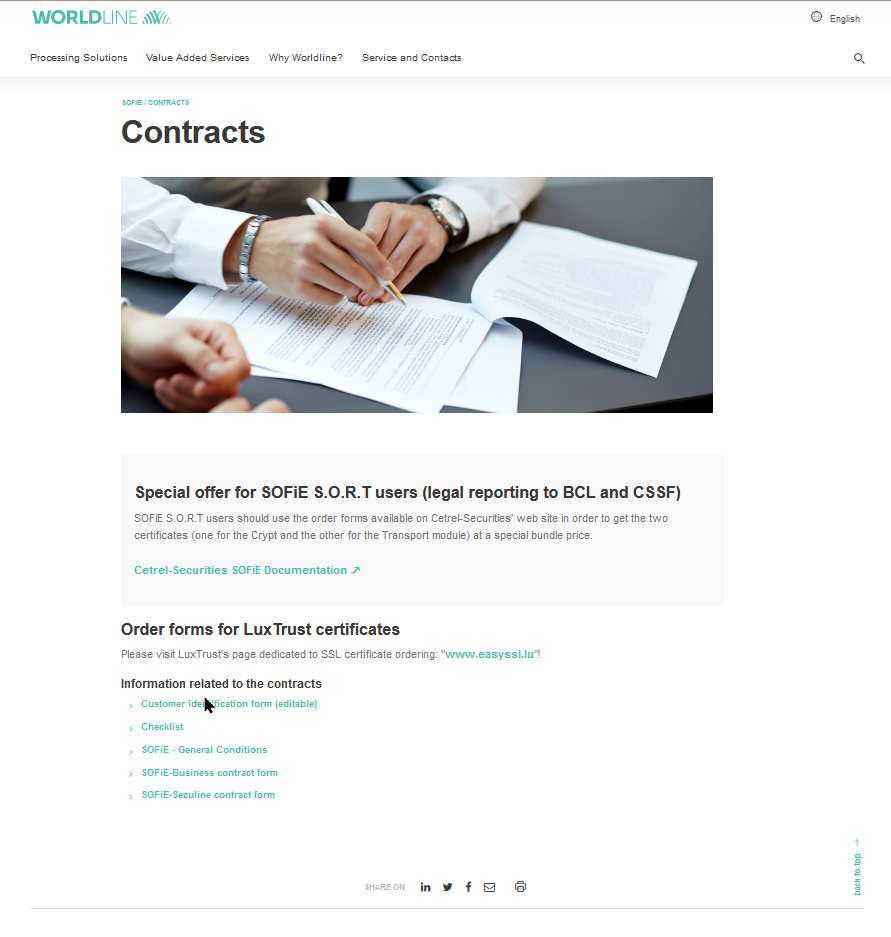
On the webpage, click on "SOFIE" menu then on "Contract" link.
Finally select the form (French/English) related to the package that you need.
Notice:
-
The package SECULINE is dedicated to the file exchange with the CCSS (Centre Commun de la Securite Sociale).
-
For the transfer of legal reporting files to the BCL and/or CSSF, you need a subscription to SOFIE SORT.
Please contact the Legal Reporting Team on (+352) 3 55 66 - 424 or send an e-mail to reporting.cetsec@worldline.com.
-
Fill the complete form and send it back to the commercial service of Worldline Financial Services (europe) S.A.
-
Once your subscription has been approved, you receive a letter from Six-Payment-Services. It contains your user_id and your password
The Participant Identifier is your login (i.e. the number starting by 9999).
The password is located at the end of the letter.
Notice
-
The user_id and password in the letter are required to download the SOFIE installation package.They are also needed for your first login to the SOFiE application.
Later, when creating your profile in SOFiE, you will be asked to define your own password.
