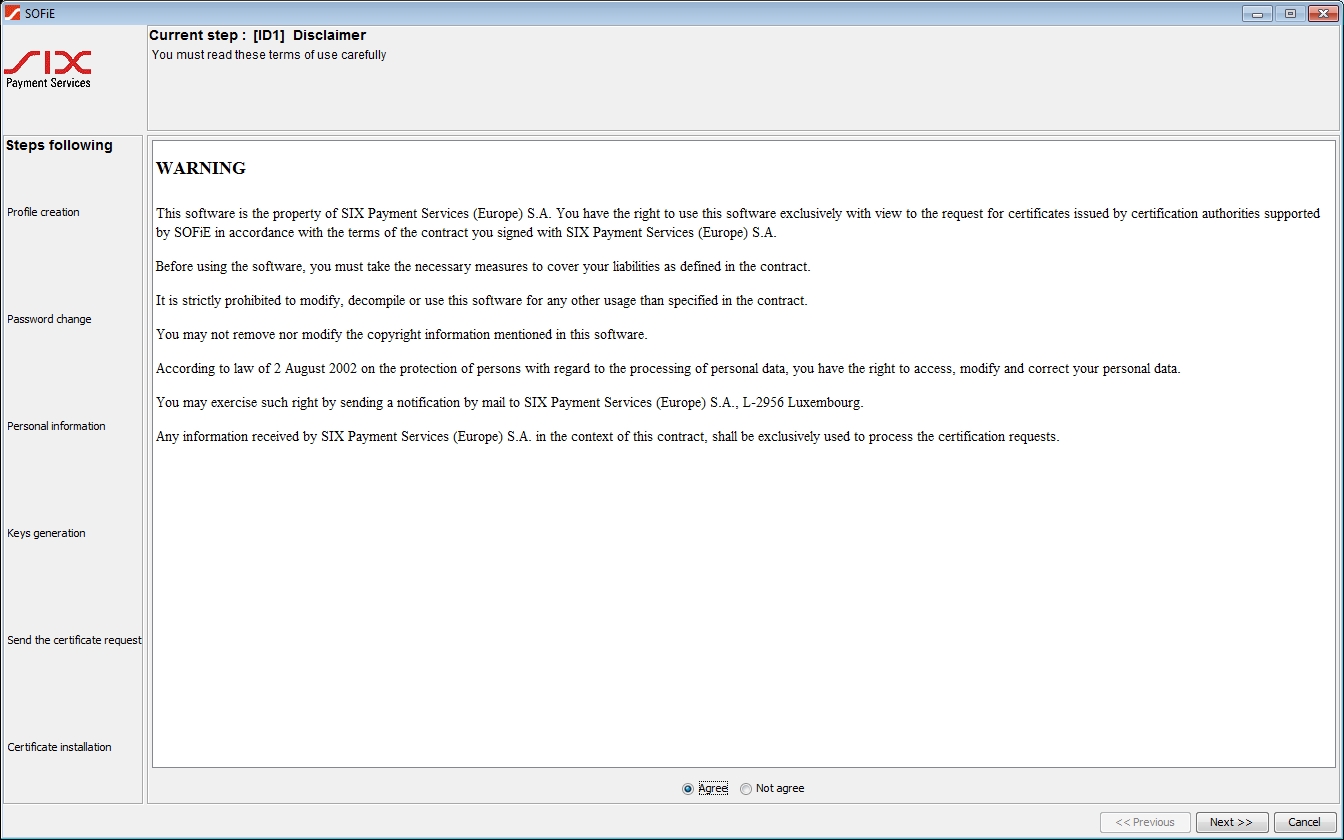
Agree and go further with

-
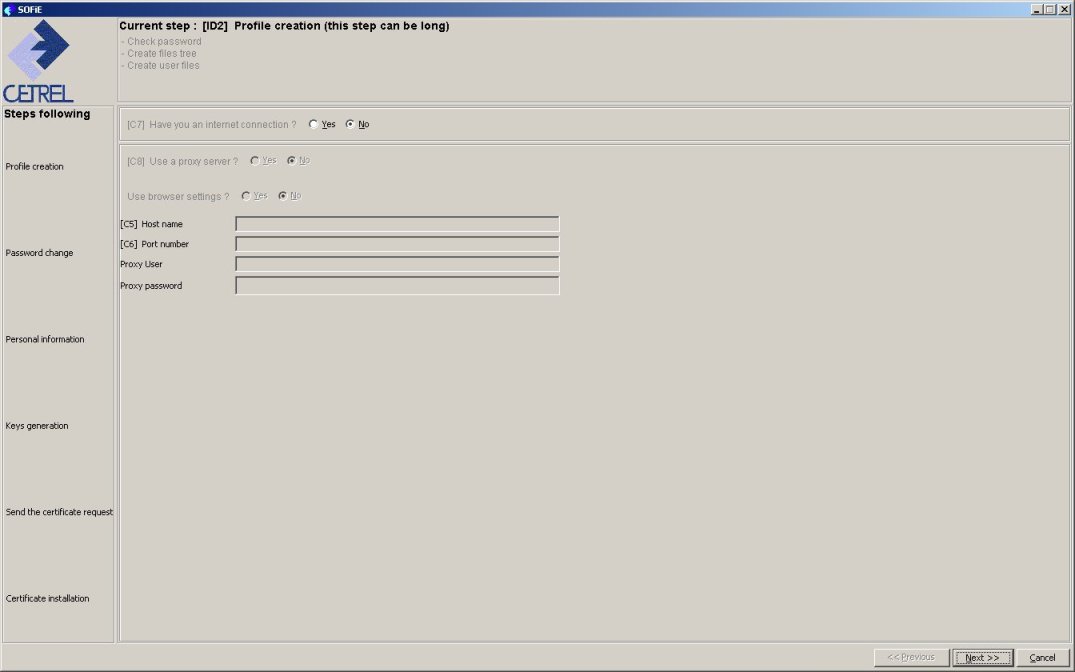
Have you an internet connection: select always yes except if your SOFiE user corresponds to a SOFiE-Crypt account.
Notice:
This parameter neither prevents the automatic update of SOFiE, nor the connection to LDAP. -
If you have answered yes to the previous question, you are asked to complete:
- whether you have a proxy server
- if you want SOFiE retrieves the proxy parameters from internet explorer browser (setting yes here is not recommended)
- or if you want to specifiy them manually : host name, port number and (if needed) the proxy user and proxy password
PAC file (proxy configuration file) are not supported.
If you are unsure about the proxy parameters, ask your network administrator.
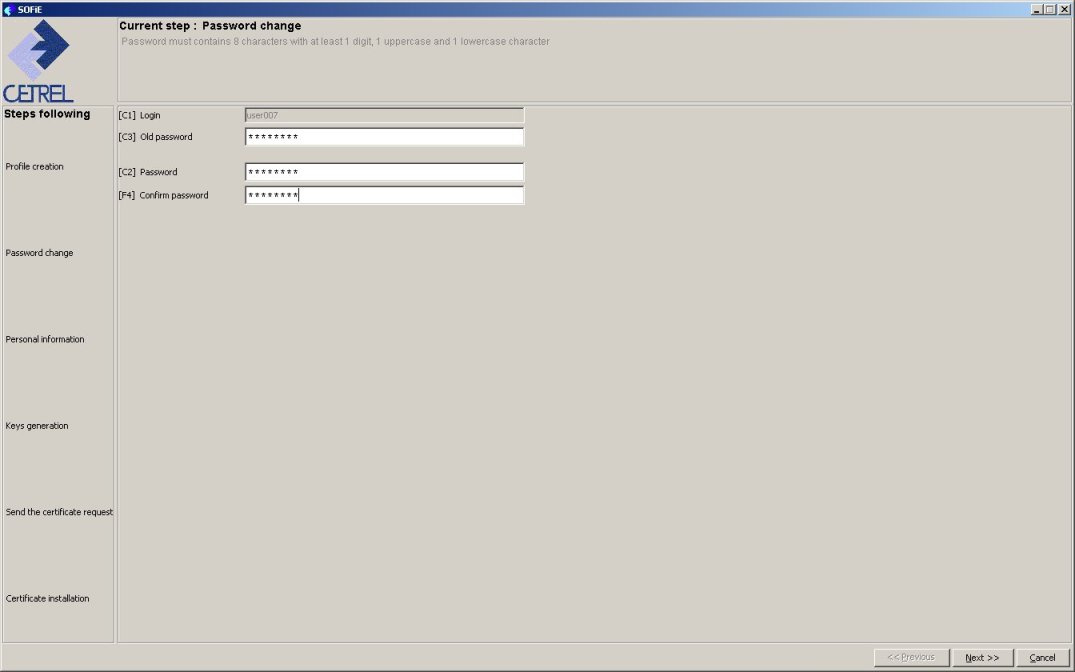
- Repeat your old password, and introduce your new password (respect the rules for declaring a password).
- Notice: Your password for accessing Sofie's central has also been changed.
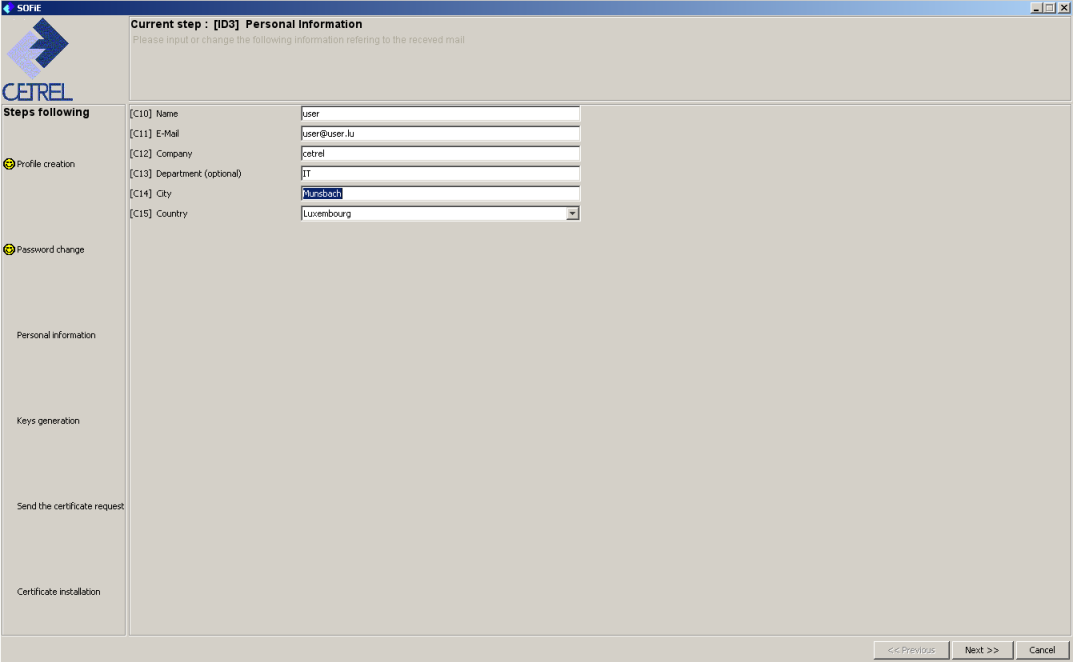
For this step, you have to fill at least the following fields: Name, E-Mail, Company,City.
The mandatory fields are indicated in red.
The e-mail adress will be used for notifications from Luxtrust about the order of your certificate.
Click on
(2 times) to confirm information and go to next step.
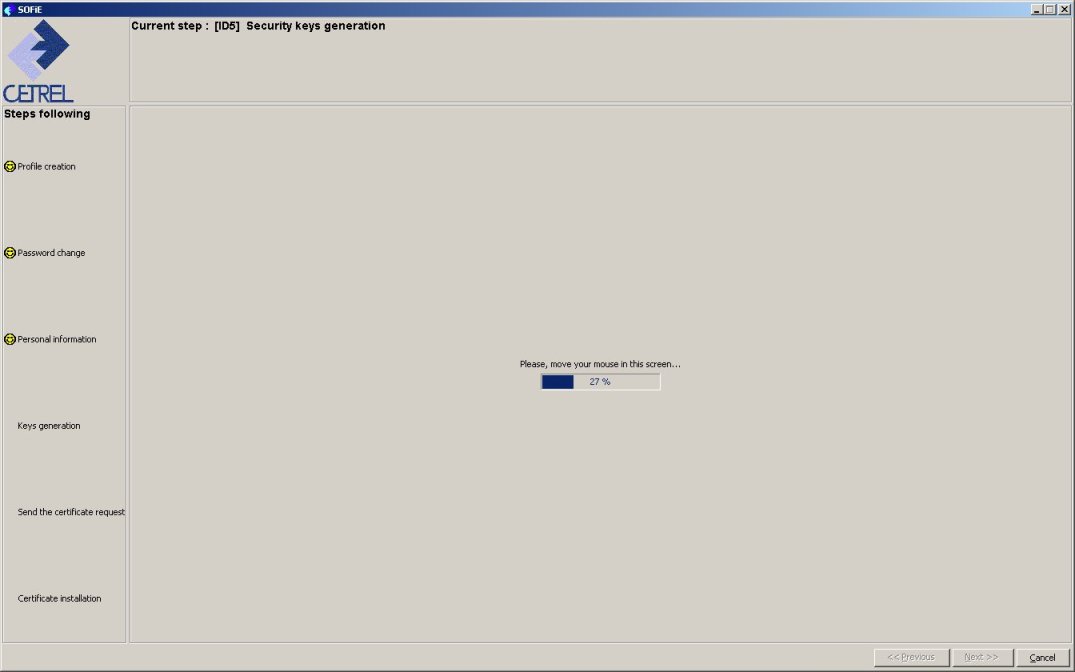
Move the mouse till the progress bar is filled to 100%, then continue with
button.
You have to save the generated keys to your local machine (YourID.pem)
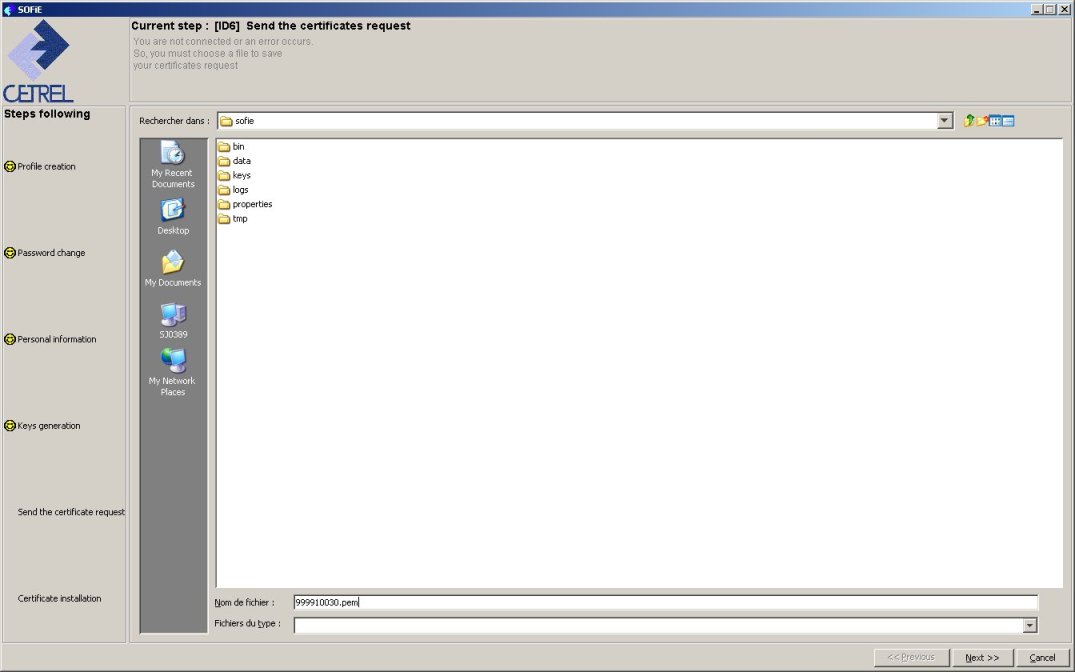
click
to
continue next step.
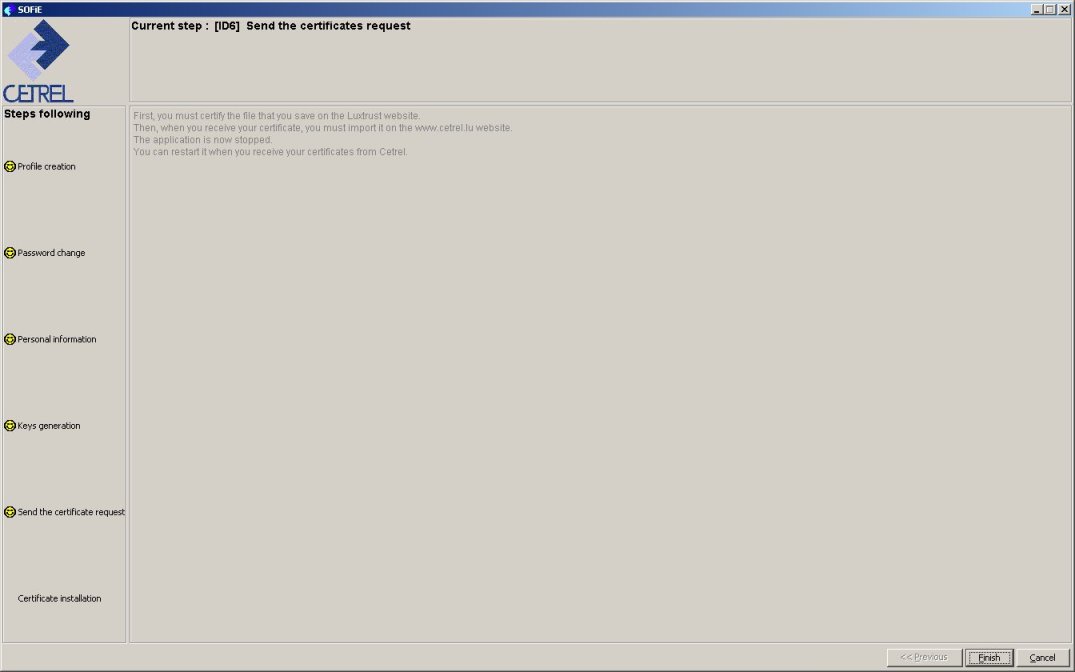
Click
 to end the process of certificate’s request file creation.
The next step is to send the request to Luxtrust.